
Características
Responder perguntas
O Funcionário AI pode responder perguntas relacionadas às informações do produto ou a quaisquer outros dados fornecidos ao Funcionário AI através do painel ZappWay.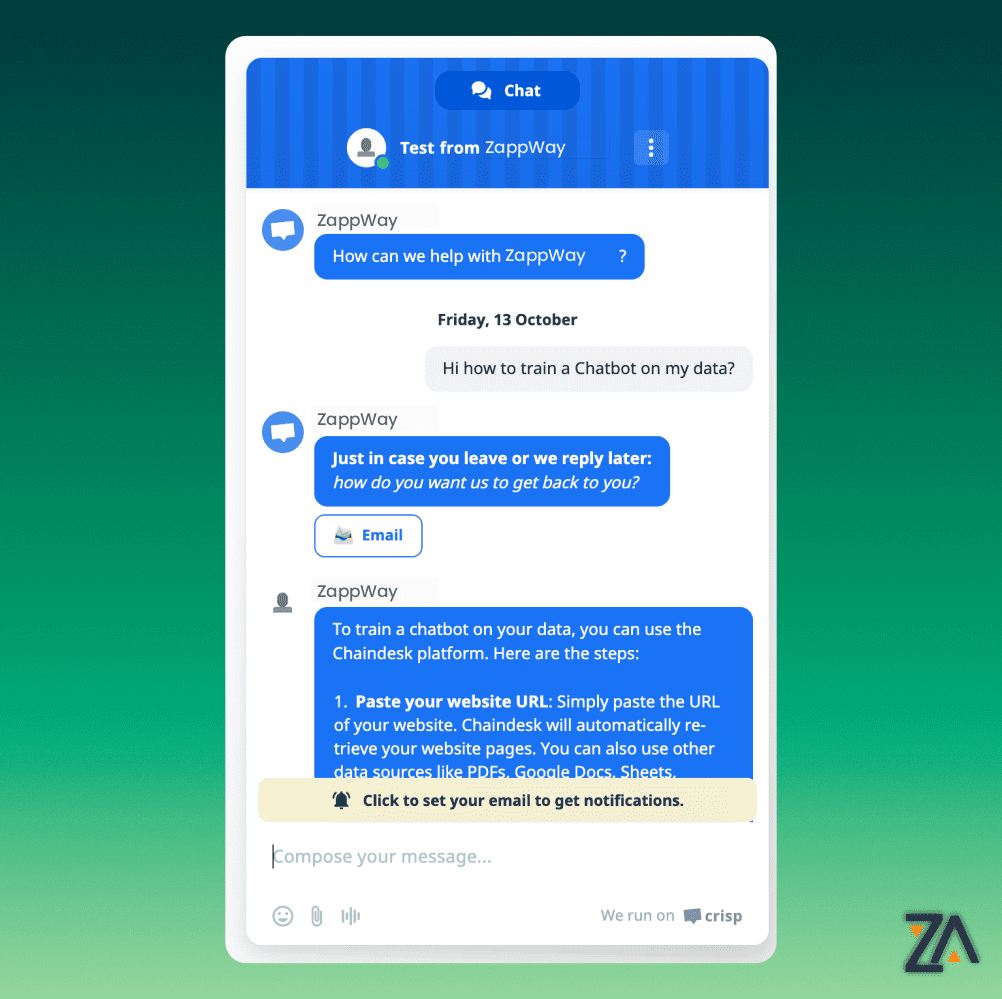
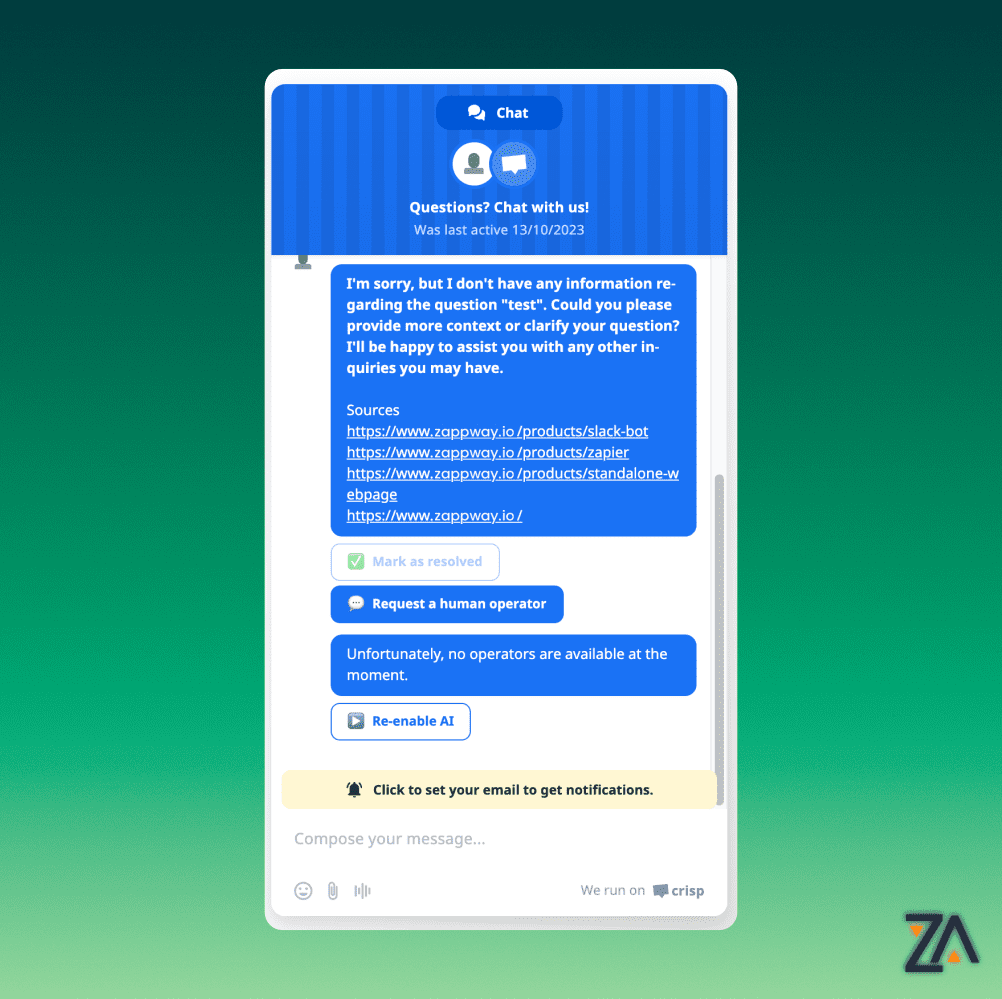
Marcar como resolvido
Caso o cliente fique satisfeito com a resposta, ele poderá marcar a conversa como resolvida clicando no botão correspondente.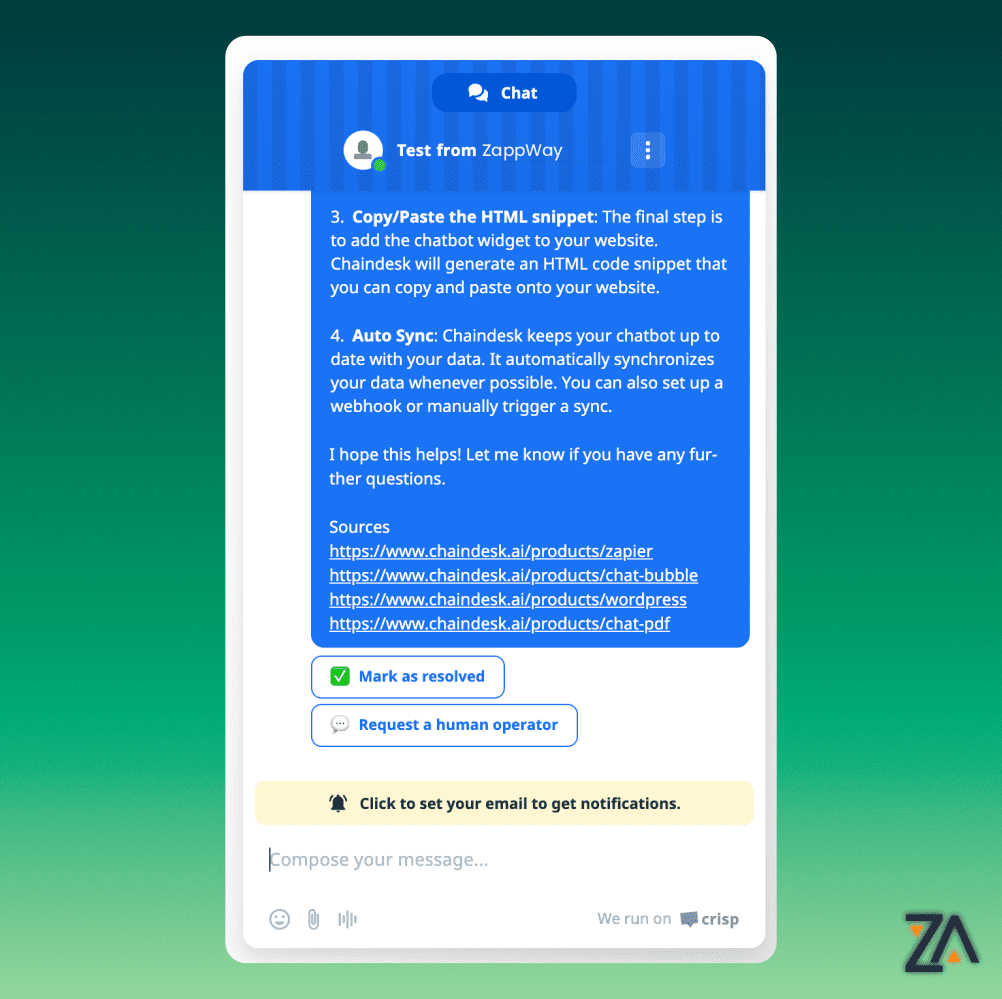
Transferência Humana Inteligente
Ao pressionar “Solicitar um operador humano” o Funcionário da IA notificará todos os operadores ativos e a IA será desabilitada.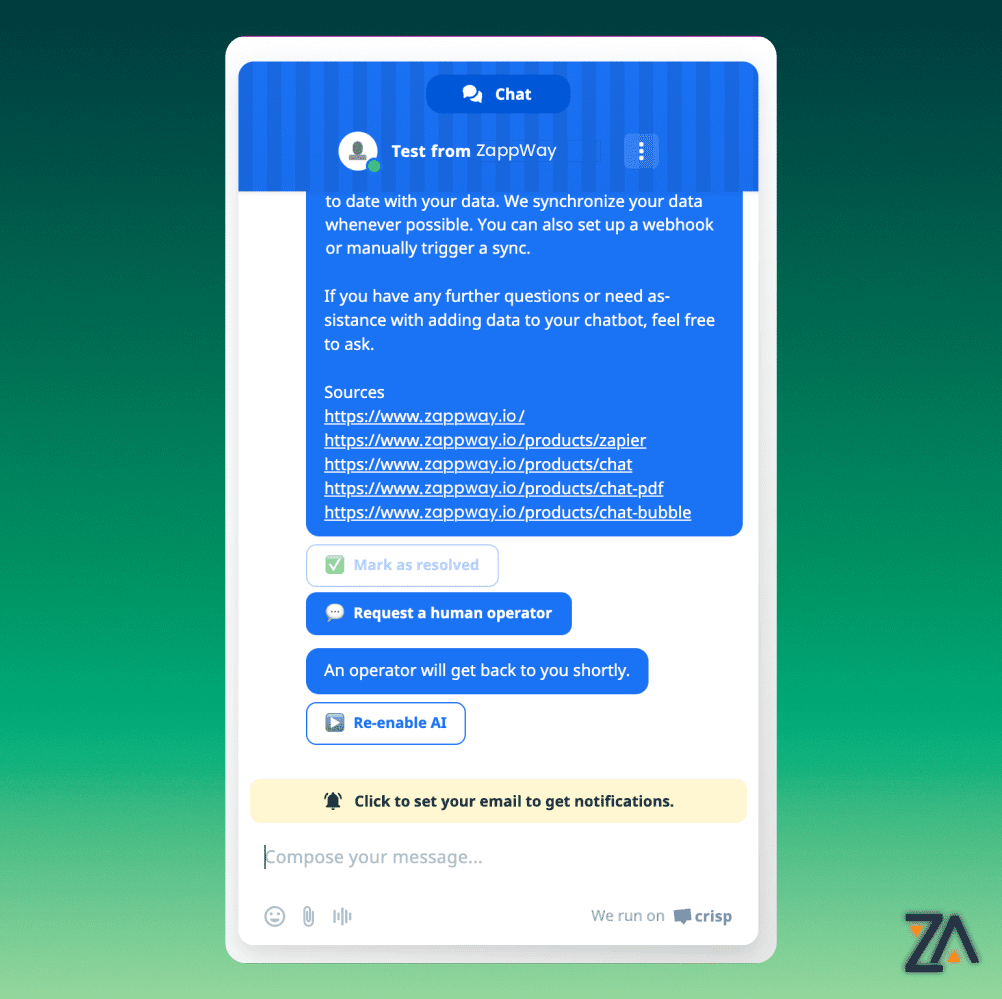
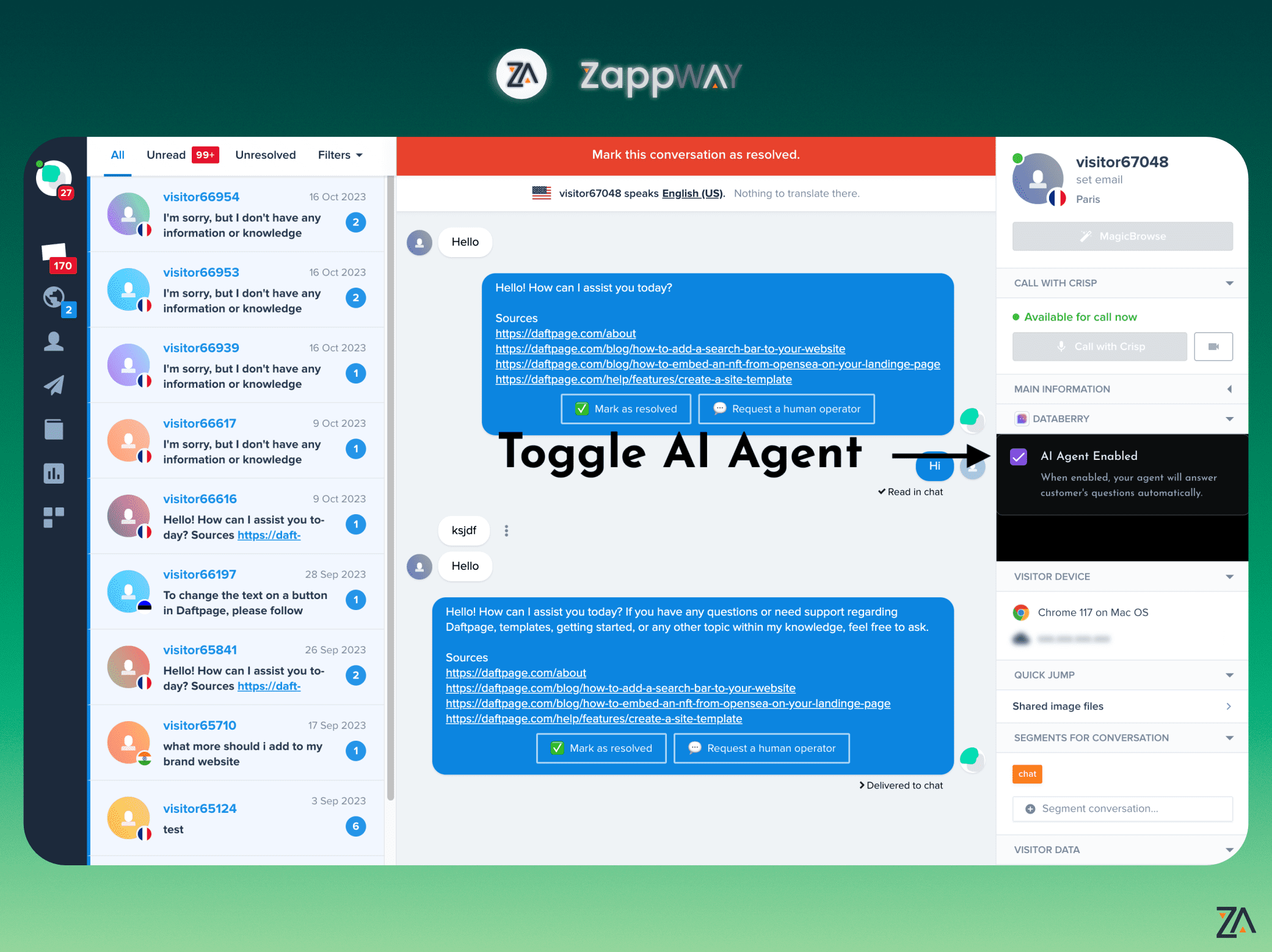
Como parar a IA
A IA para automaticamente quando um operador humano envia uma mensagem para a conversa ou manualmente quando o cliente clica em “Solicitar um operador humano” e alguns operadores estão onlineComo reativar a IA
A IA será reativada se o cliente clicar em “Reativar IA” ou se um operador ativar manualmente o Funcionário da IA no painel do Crisp