> ## Documentation Index
> Fetch the complete documentation index at: https://docs.zappway.ai/llms.txt
> Use this file to discover all available pages before exploring further.
# Conversation file upload
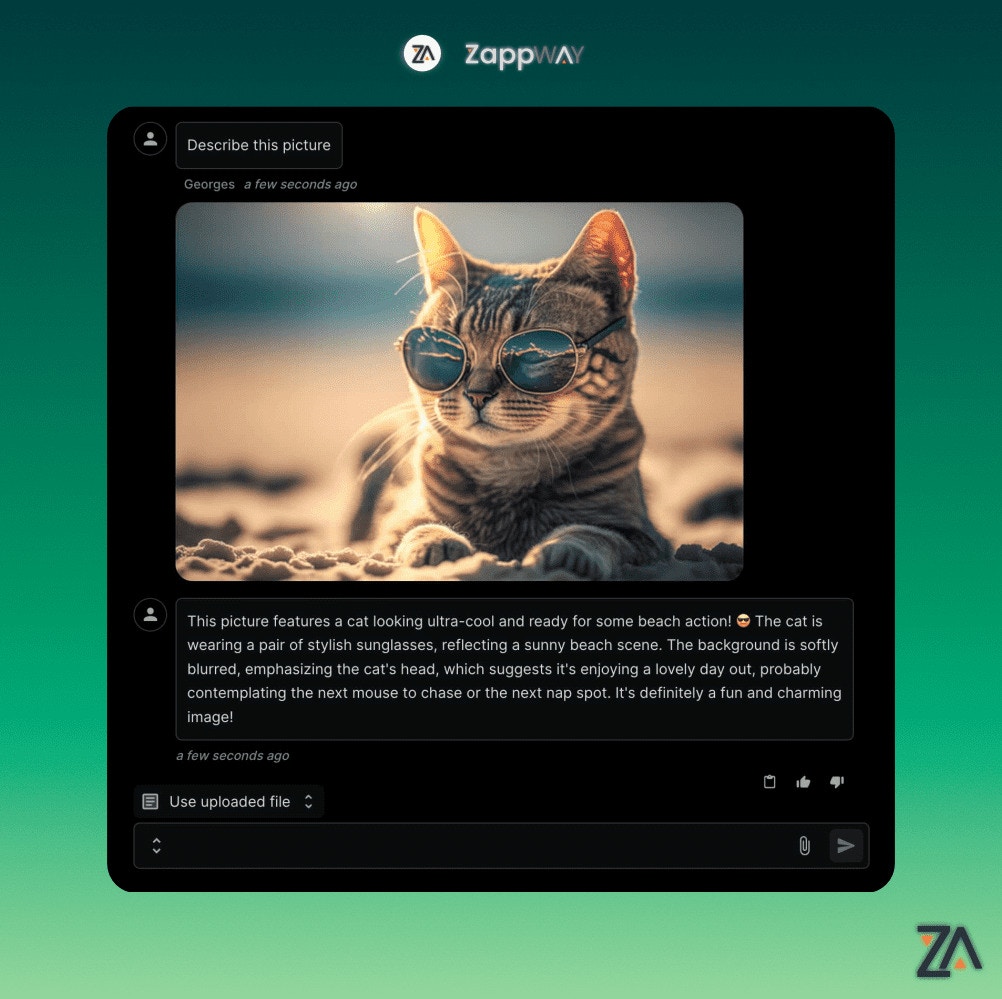
Users are able to upload files during a conversation with an AI Employee. This feature is useful when users need to share files with AI Employees or with human Support Specialist.
Files uploaded during a conversation are not accessible to other
conversations. To extend the AI Employee's knowledge for all conversations, use a
[Datastore](/datastore) instead.
 AI Employees are able to process the following file types:
* text/csv
* text/plain
* text/markdown
* application/pdf
* application/json
* application/vnd.openxmlformats-officedocument.presentationml.presentation
* application/vnd.openxmlformats-officedocument.wordprocessingml.document
* application/vnd.openxmlformats-officedocument.spreadsheetml.sheet
* image/png (Vision compatible model like GPT-5 or Claude 4 required)
* image/jpeg (Vision compatible model like GPT-5 or Claude 4 required)
* image/gif (Vision compatible model like GPT-5 or Claude 4 required)
* image/webp (Vision compatible model like GPT-5 or Claude 4 required)
Unsupported file types will be ignored by the AI
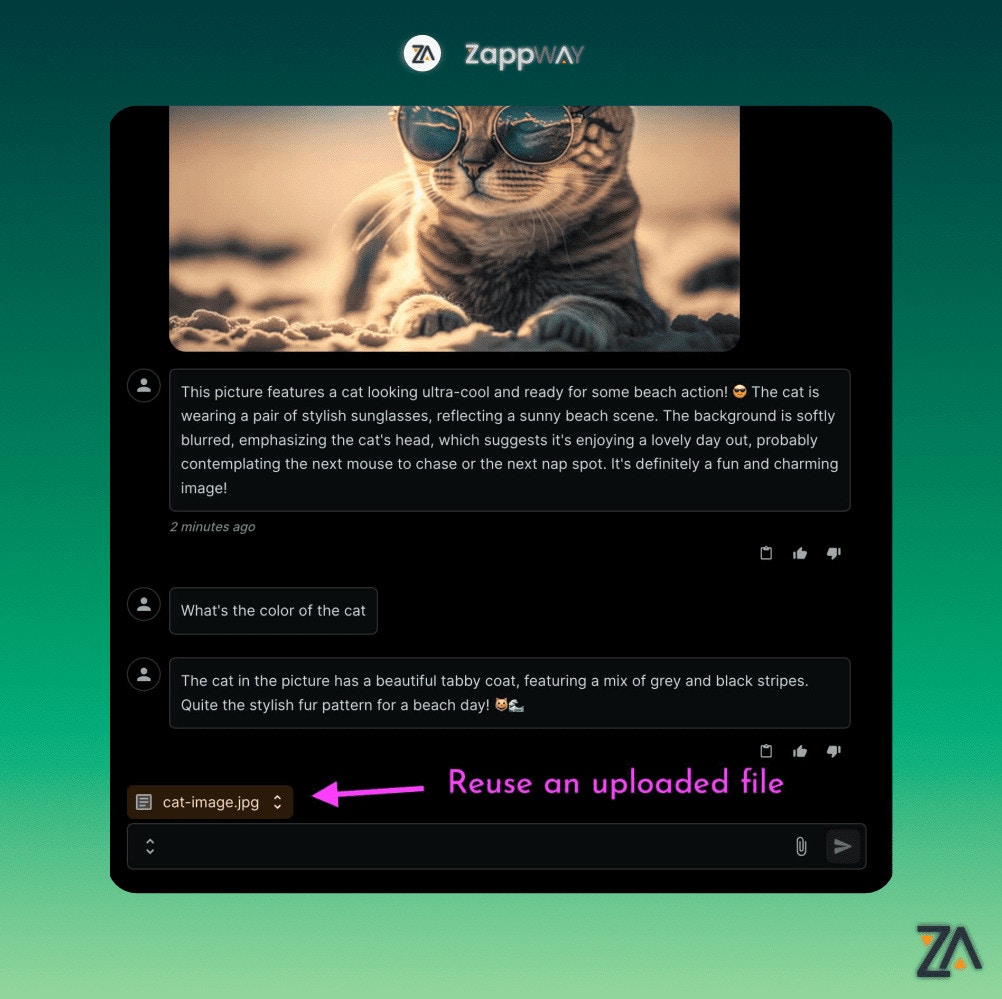
To reuse an uploaded file use the conversation files dropdown
AI Employees are able to process the following file types:
* text/csv
* text/plain
* text/markdown
* application/pdf
* application/json
* application/vnd.openxmlformats-officedocument.presentationml.presentation
* application/vnd.openxmlformats-officedocument.wordprocessingml.document
* application/vnd.openxmlformats-officedocument.spreadsheetml.sheet
* image/png (Vision compatible model like GPT-5 or Claude 4 required)
* image/jpeg (Vision compatible model like GPT-5 or Claude 4 required)
* image/gif (Vision compatible model like GPT-5 or Claude 4 required)
* image/webp (Vision compatible model like GPT-5 or Claude 4 required)
Unsupported file types will be ignored by the AI
To reuse an uploaded file use the conversation files dropdown